With hapily Advanced Registration, you have flexible options to advertise and display available registration options to different target audiences. By leveraging dedicated registration modules, you can present tailored choices to specific groups like sponsors, supporters, or general attendees.
This approach allows you to:
- Showcase specific registration opportunities to distinct audience segments.
- Choose between three interactive display formats: Button, Carousel, or Checkout.
- Embed your registration experience into any content management system (CMS) like WordPress or Webflow.
- Utilize native drag-and-drop modules directly within HubSpot landing pages.
Here's a test page showcasing all three HubSpot modules:
https://243123097.hs-sites-na2.com/hapily-summit
🎥 Video Walkthrough:
hapily Advanced Registration Modules - Watch Video
Step 1: Navigate to Your Registration Modules
- Log into your account and open the specific event you want to manage in hapily.
- Click on the Registration tab in the top menu and select Registration Flows.
- Select the specific registration flow you wish to share with your audience.
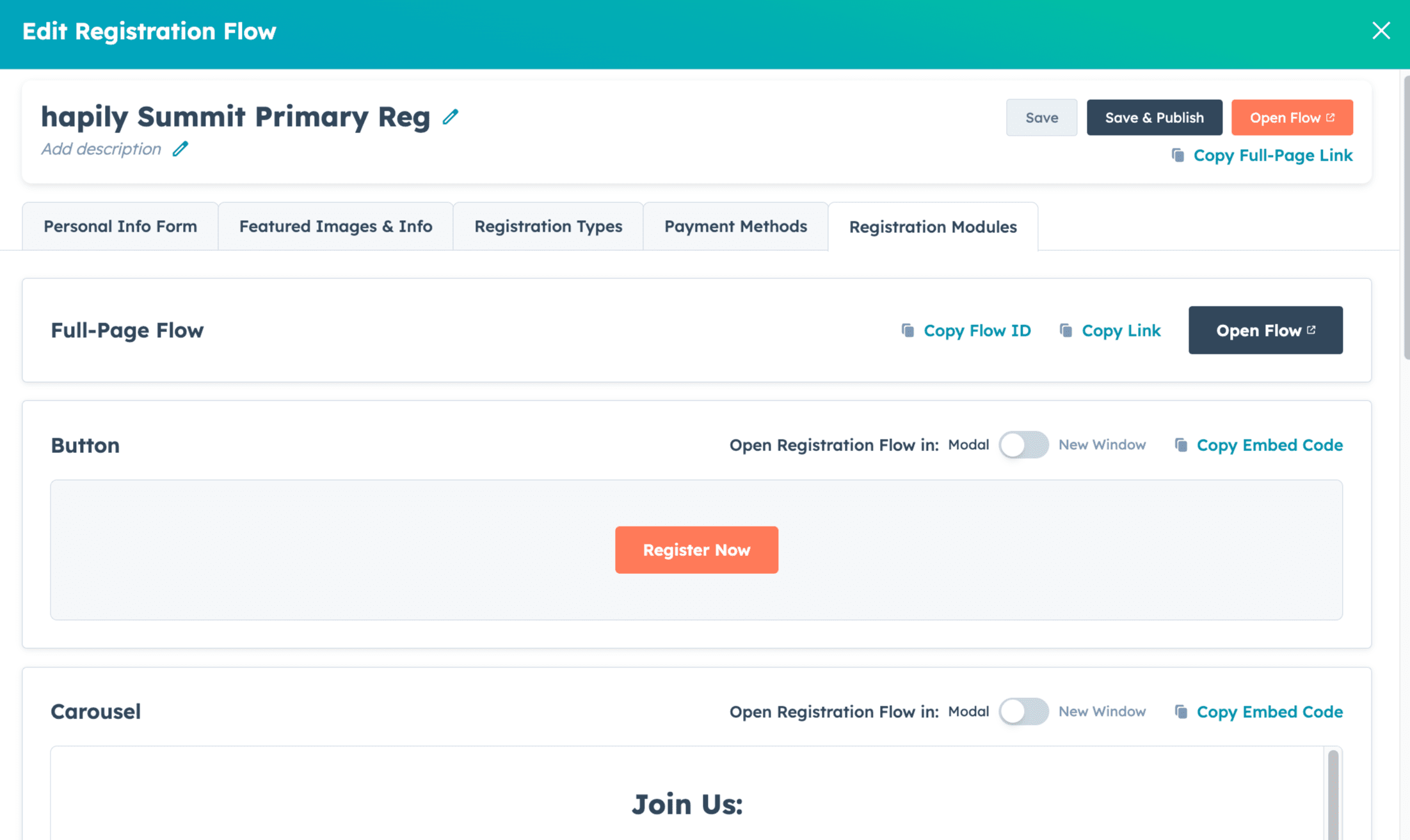
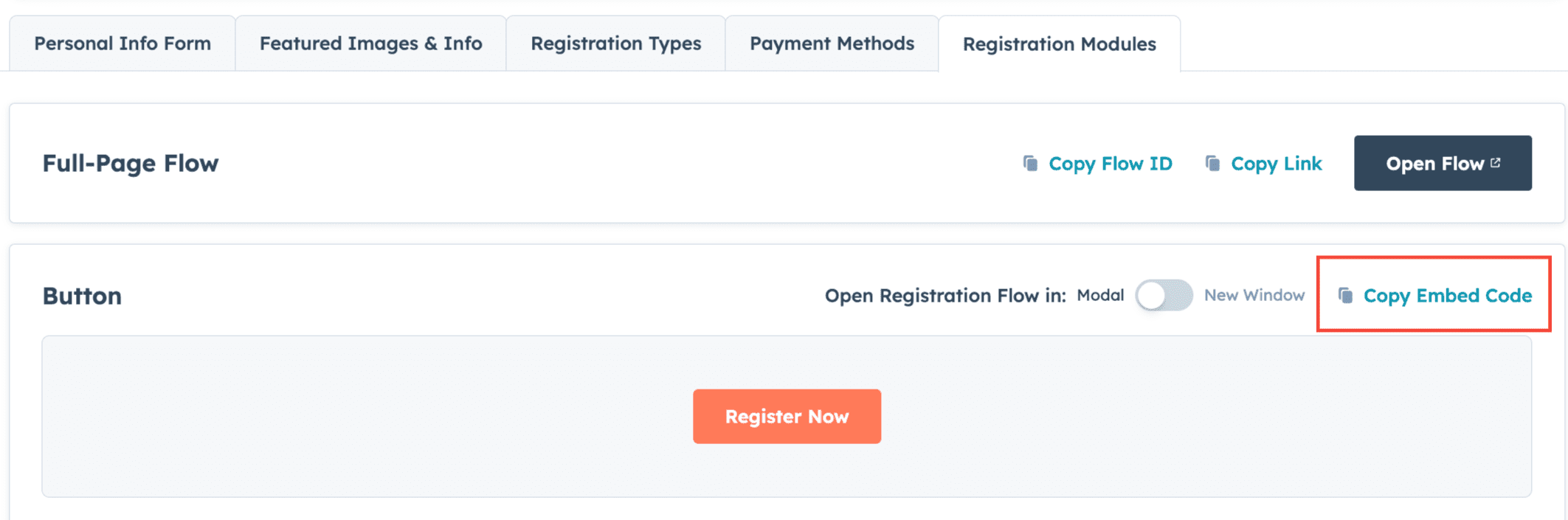
- Click on the Registration Modules tab to view your display options.
Step 2: Choose Your Module Type
Review the three available layout types to determine how you want to present your registration types:
- Button: Generates a clean, clickable button. When clicked, it opens the registration flow for this specific event inside a popup modal or in a new external window.
- Carousel: Displays an interactive sliding carousel showcasing all available registration types assigned to this flow.
- Checkout: Provides a fully embedded, inline experience allowing users to complete their registration directly on the page without leaving.
Step 3: Deploy the Module to Your Website
Depending on where your event page is hosted, choose one of the two options below to publish your module:
- Option A: Embed onto Any External Page (WordPress, Webflow, etc.)
- Select your preferred experience (Button, Carousel, or Checkout).
- Copy the generated embed code provided in the app.
- Paste this embed code directly into the HTML editor of your external website page.
- Option B: Use native HubSpot Landing Page Modules
- Open your HubSpot landing page editor.
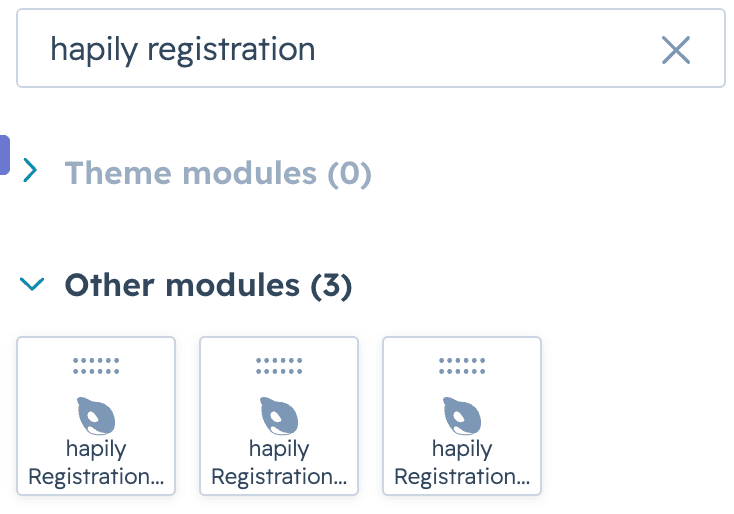
- In the left-hand sidebar search bar, type hapily or registration.
- Locate the three native modules: Registration Button, Registration Carousel, and Registration Checkout.
- Drag and drop your chosen module onto the page layout wherever you see fit.
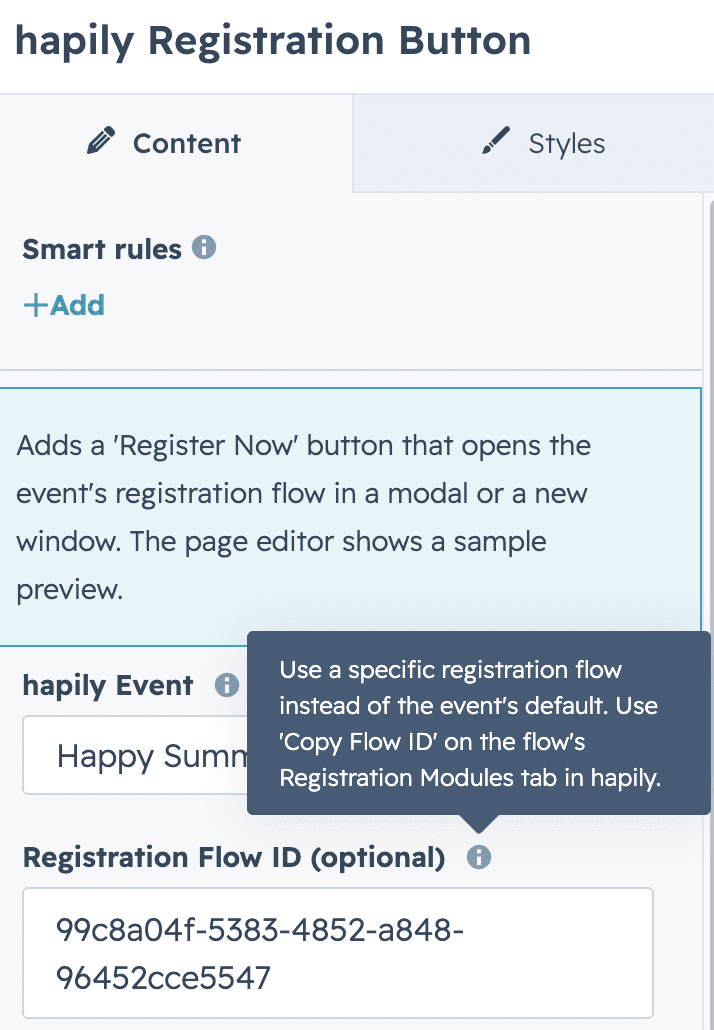
- Pick your event
- If you have multiple registration flows, Copy the Registration Flow ID to ensure you display the right registration types